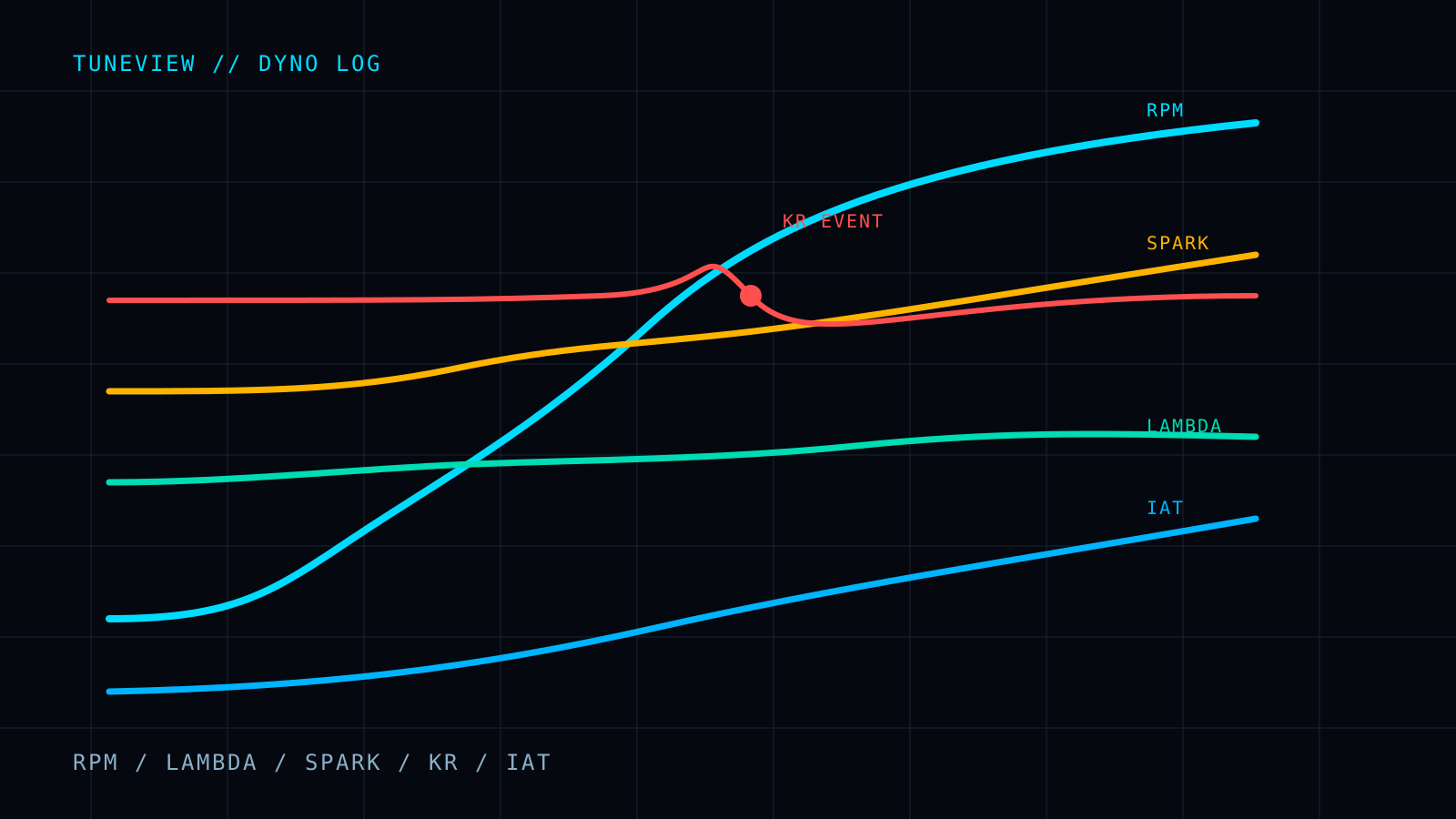
A log can only answer the question it contains enough data to answer. Before you review fuel trims, knock, boost, or a dyno pull, make sure the scanner has the channels that establish the operating condition around the event.
This is the practical checklist for HP Tuners VCM Scanner. The exact channel names vary by vehicle, but the purpose of each one does not.
Three Channels That Cannot Be Missing
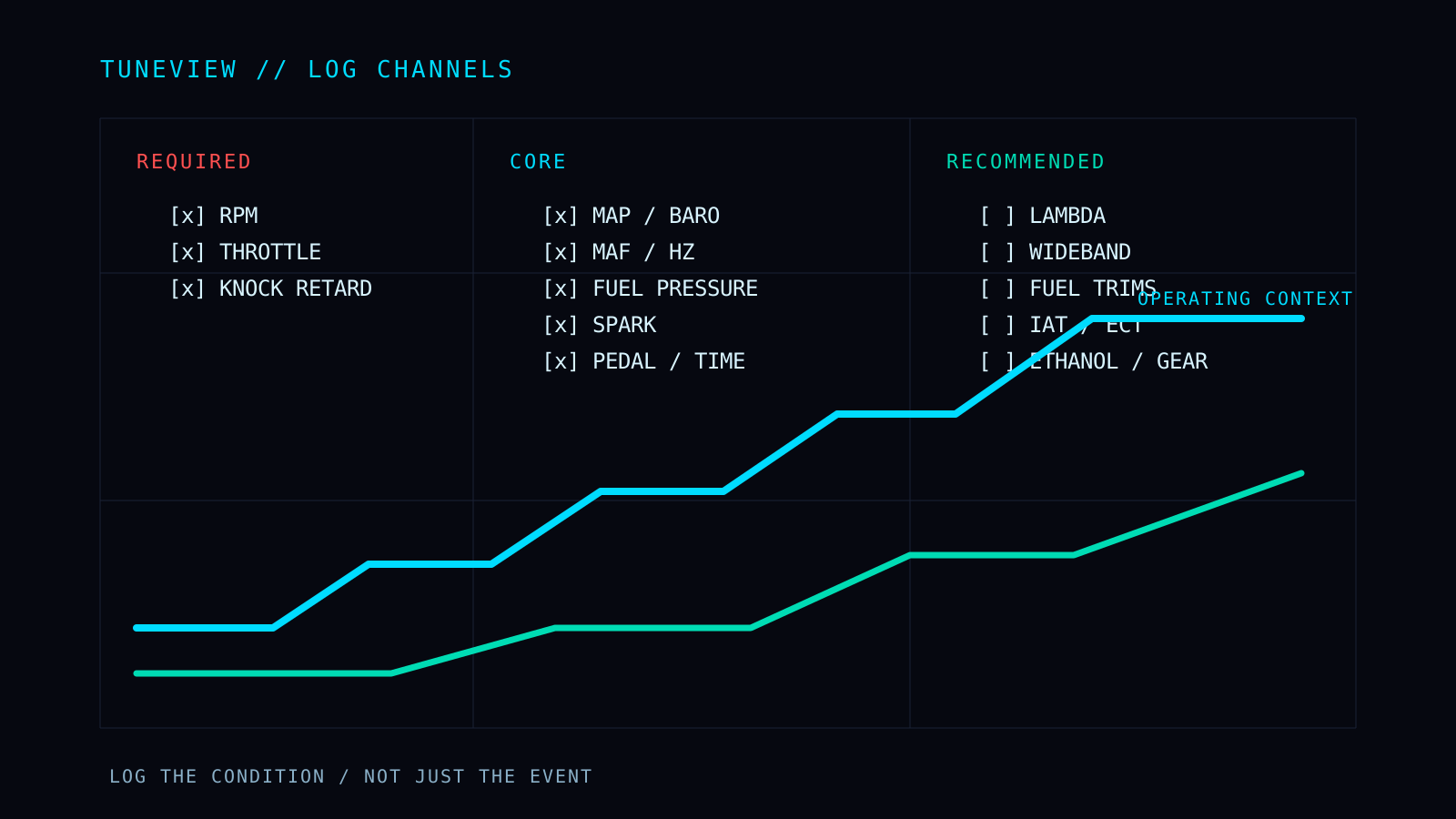
Start with these. Without them, the log cannot be placed in a useful operating context:
- Engine RPM - anchors every event to engine speed.
- Throttle position - separates idle, cruise, and loaded operation.
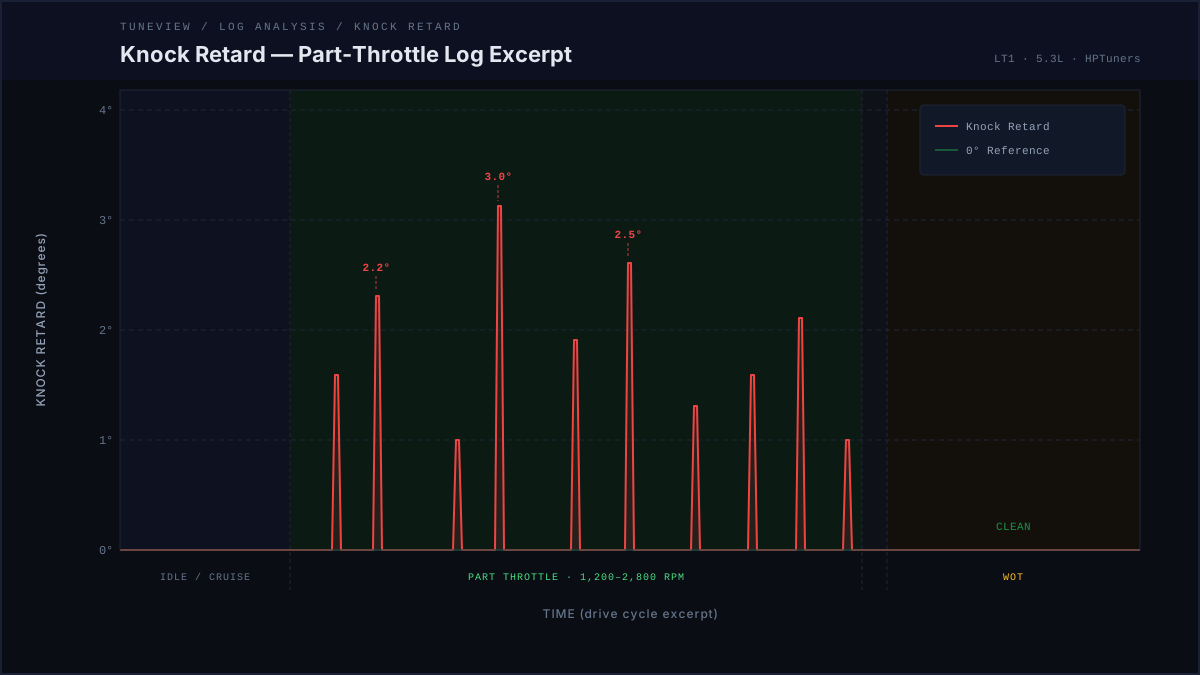
- Knock retard - the safety channel that shows the controller response to detected knock.
RPM tells you where an event happened. Throttle tells you what the driver and engine were doing. Knock retard tells you whether the controller removed timing. A log missing one of these cannot support the same conclusions as a complete log.
Core Channels for a Complete Review
Add the channels that explain airflow, fuel delivery, spark, and load:
- MAP and barometric pressure - MAP divided by barometric pressure is the valid boost signal. Do not infer boost from RPM or throttle position.
- MAF airflow and MAF frequency - needed to understand the measured airflow side of the model and a MAF curve issue.
- Actual and commanded fuel rail pressure - a pressure value without its target cannot show whether the system met demand.
- Spark advance - delivered timing needs to be read beside knock retard, load, lambda, and temperature.
- Accelerator pedal position - distinguishes driver demand from a throttle or torque intervention.
- Time - allows events, transitions, and duration to be interpreted in sequence.
With these channels present, a reviewer can separate a true engine behavior from a missing-data problem. If a required input is absent, the responsible conclusion is reduced confidence or no conclusion, not a substitute based on a convenient proxy.
Recommended Channels That Sharpen the Answer
The following channels add the context that often decides whether a pattern is real:
- Commanded lambda or equivalence ratio - what the calibration requested.
- Wideband AFR or lambda - what the engine actually did.
- Long- and short-term fuel trims - closed-loop correction pressure across operating regions.
- Coolant temperature and IAT - thermal context for fueling and spark behavior.
- Ethanol content - required context for flex-fuel targets.
- Transmission gear and output shaft speed - identifies shifts, converter behavior, and gear-related artifacts.
You do not need to add every available PID to every file. A bloated channel list can lower the sample rate enough to hide short events. Prioritize the channels that answer the present question, then keep the list consistent for the baseline and follow-up logs.
Match the Log to the Question
Different problems need different evidence:
- Fuel-trim or airflow issue: RPM, throttle, MAF airflow/frequency, trims, MAP, and temperature.
- Knock or spark issue: RPM, load, spark, knock retard, lambda, fuel pressure, and IAT.
- Boosted pull: MAP, barometric pressure, lambda, fuel pressure, spark, knock retard, IAT, and RPM.
- Dyno session: the core list plus vehicle speed, gear, and a consistent sample rate across each pull.
For a full dyno workflow, see How to Log for a Dyno Tune. For boost and temperature comparison, see How to Log Boost and IAT Heat Soak.
Send the Table With the Follow-Up Log
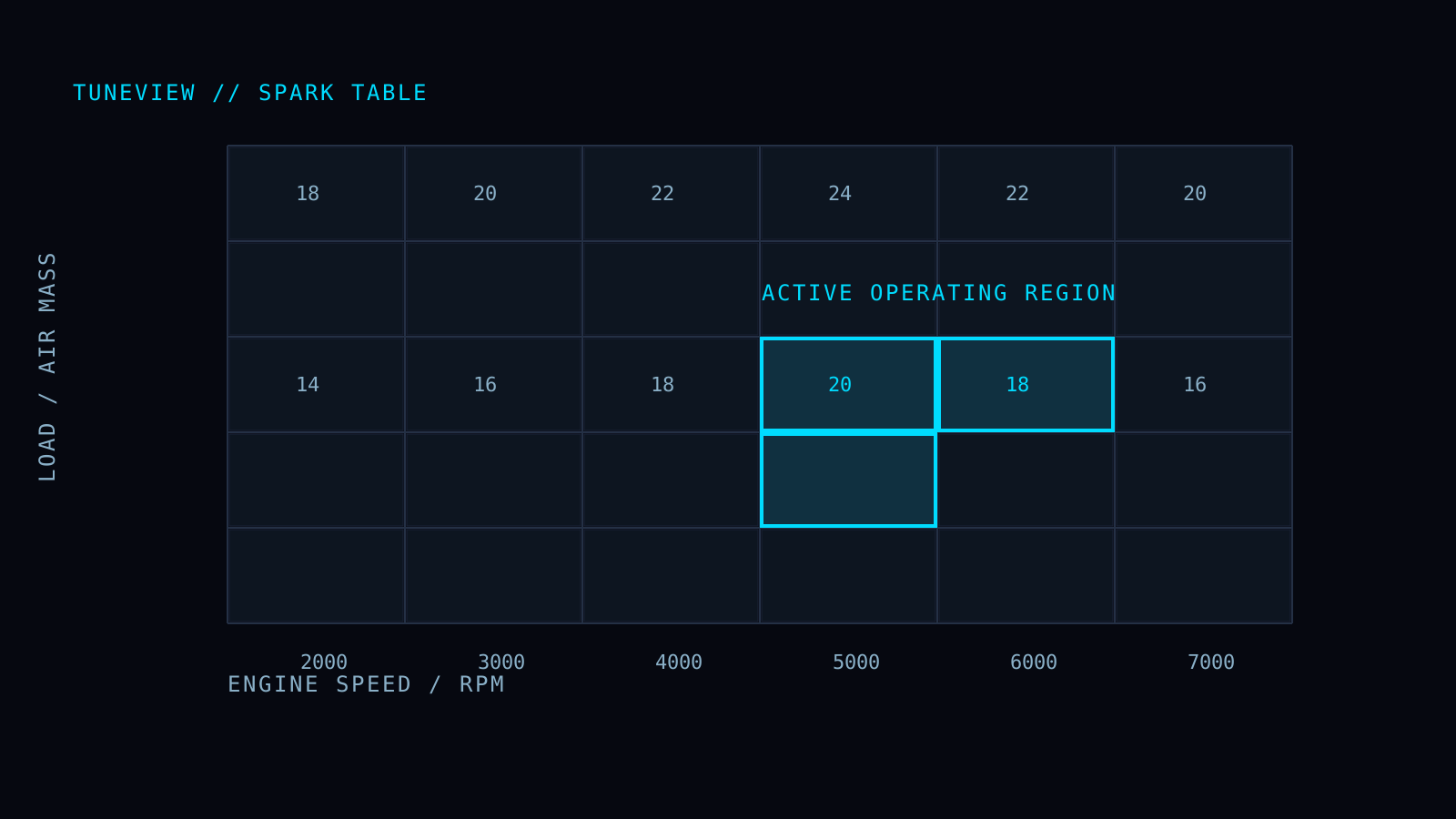
A log shows the behavior. On a VVE or MAF follow-up, the calibration table supplies the exact grid or curve behind that behavior.
In VCM Editor, use Copy with Axis on the VVE table or MAF curve. On TuneView's follow-up upload, select the matching table type and paste it alongside the next log. This does not replace the log. It lets the follow-up compare the measured finding with the actual cells or breakpoints being revised.
The Exact Checklist
The Required Log Channels and Table Paste Guide lists the specific channel groups, what they unlock, and the step-by-step VVE and MAF Copy with Axis workflow.
Full Tune is $69 one-time for one vehicle/motor, with unlimited analyses and revision rounds and no expiration.
TuneView helps HP Tuners users turn scanner logs into guided calibration revisions. Support for GM platforms is live.