
E85 is not a fixed fuel. Its ethanol content can change by season, supplier, and blend. A flex-fuel tune is not proved by the pump label, and a clean pull is not explained by a single air-fuel-ratio number.
The practical answer is to log the fuel's ethanol content, the engine's requested and delivered lambda, fuel supply, temperature, and knock response in the same event. That lets you see what the controller asked for, what the engine did, and whether the conditions stayed comparable from one revision to the next.
Use Lambda, Not a Gasoline AFR Shortcut
Lambda expresses actual mixture relative to the fuel's stoichiometric point. A lambda value of 1.00 is stoichiometric regardless of fuel composition. AFR numbers depend on the stoichiometric assumption behind the display, which makes a gasoline AFR shortcut easy to misread on ethanol blends.
For a fuller explanation of commanded versus actual readings, start with Understanding Wideband Lambda Data. The key is not to chase a generic target from another vehicle. Compare actual lambda to the commanded lambda your controller used in the same load and RPM region.
The Channels That Make an E85 Log Useful
At minimum, record:
- Ethanol content — the measured blend context when a sensor is present.
- Commanded and actual lambda — the request and measured result.
- Actual and commanded fuel pressure — whether the fuel system kept up with the event.
- RPM, throttle, and accelerator pedal position — defines the operating region and driver request.
- MAP and barometric pressure — establishes load and boost correctly.
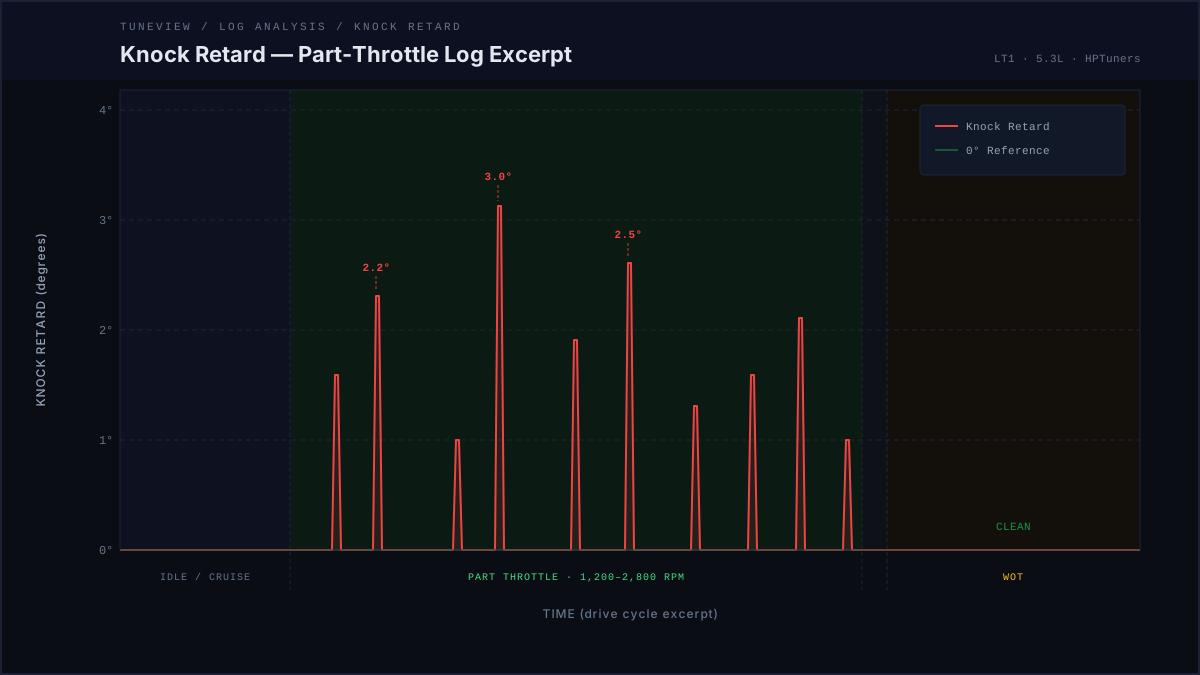
- Spark advance and knock retard — captures the controller response.
- IAT, coolant temperature, and ambient notes — keeps a thermal change from masquerading as a fuel change.
The required log channels guide includes ethanol content because it changes the meaning of the rest of the data. If the vehicle has no ethanol-content sensor, record the known fuel source and test conditions instead of inventing a blend percentage from a label.
Make the Baseline Comparable
Fuel quality is only one variable. The baseline should use a consistent scanner configuration, sample rate, gear, and RPM range. Before you compare two logs, ask:
- Did both pulls reach a similar loaded region?
- Did actual lambda follow the respective commanded lambda?
- Did actual fuel pressure stay close to its commanded behavior?
- Did the ethanol-content reading change?
- Did IAT, cooldown time, or boost behavior change enough to alter the comparison?
If the answer to those questions is unclear, the responsible result is "not comparable yet," not a calibration conclusion.
Watch the Fuel System Beside the Blend
Ethanol blends can demand more fuel volume than gasoline for the same operating event. That does not tell you what a particular vehicle's fuel system can support. The log does.
Read fuel pressure beside command, lambda, and load. A pressure value by itself is incomplete. A steady number may still be below what the controller asked for, and a lambda deviation may come from a different issue entirely. When the data points to a supply concern, pause the calibration experiment and verify the hardware before asking the tune to cover for it.
Do Not Blame Heat Soak on Fuel
On a boosted combination, a warmer follow-up can change delivered spark and knock margin even if ethanol content did not move. Likewise, a boost or airflow change can make two pulls look different before fuel quality enters the picture.
Use the boost and IAT heat-soak logging guide to compare pressure ratio, temperature, lambda, fuel pressure, spark, and knock together. It is the difference between observing a correlation and finding a useful reason for it.
Re-Log After One Measured Change
An E85 or flex-fuel revision should be small enough that the follow-up can answer a clear question. Change one evidence-supported area, save a new calibration version, and re-log the same operating region. Then judge the follow-up against the original condition:
- Did the measured behavior improve where the baseline showed a problem?
- Did lambda and fuel pressure remain controlled?
- Did knock response stay clean in the same context?
- Did a different condition, such as temperature or boost, make the comparison invalid?
The goal is not to force a number to match a screenshot. It is to build evidence that one measured change made the vehicle better without creating a new problem.
See the Revision Loop in Your Own Data
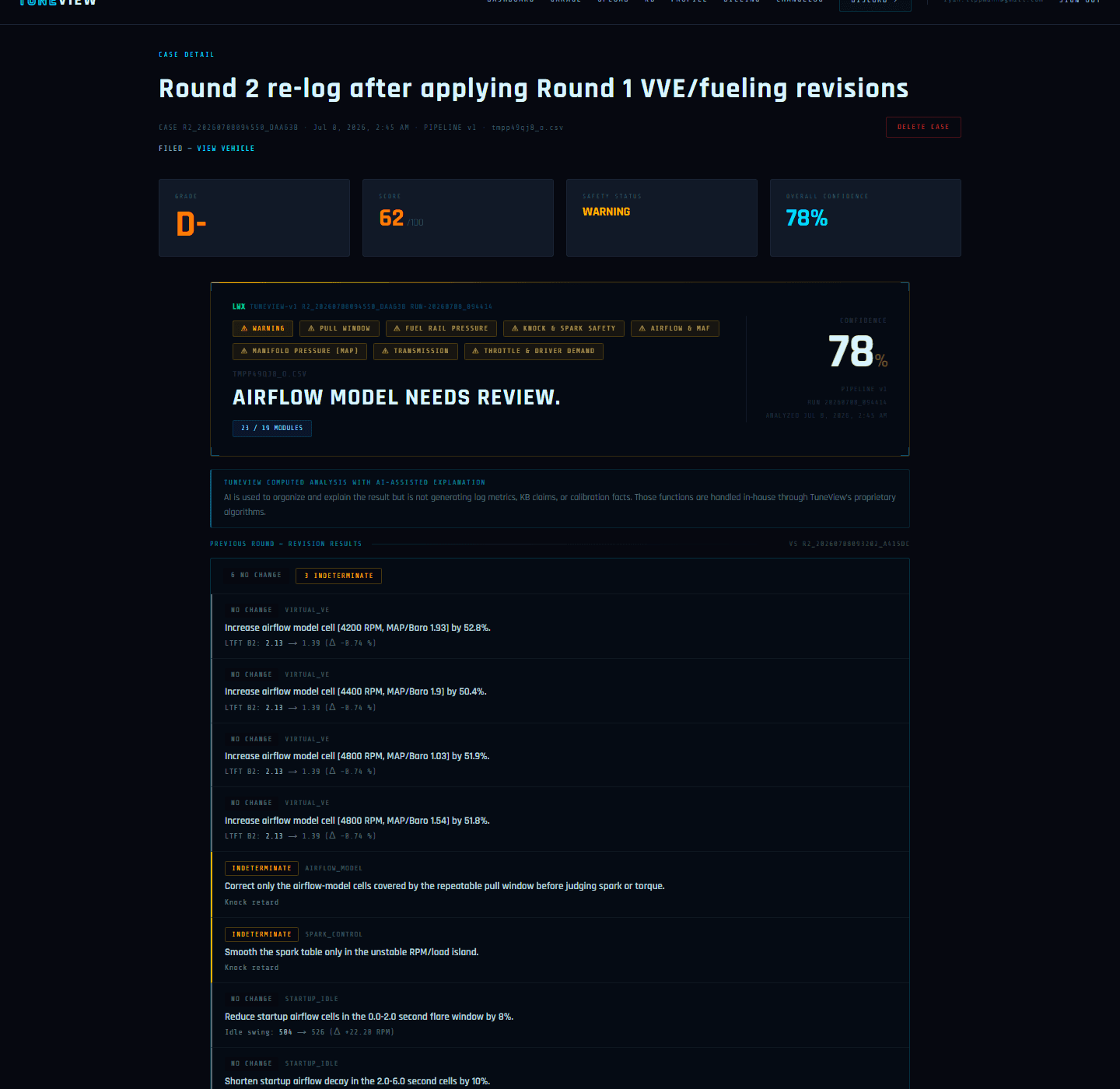
TuneView keeps the baseline log, guided revision, and follow-up verdict in one vehicle history. You make every edit yourself in HP Tuners; TuneView reads the evidence before and after it.
Full Tune is $69 one-time for one vehicle/motor, with unlimited analyses and revision rounds and no expiration.
TuneView helps HP Tuners users turn scanner logs into guided calibration revisions. Support for GM platforms is live.